Branded Booking Portal
Your domain, your logo, your colors. Clients pick a vehicle, see an instant quote, and get confirmations that look like you — not like us.
PRT-2L77Booking created
Follow a single trip through DrivOQ — from the moment a client books to the moment you’re paid. All 26 features, in the order your day actually uses them.
drag the trip · click a stop to jump there
01 · Book it
Confirmed
Clients book on your site, unanswered quotes chase themselves, and regulars repeat without re-typing a thing.
Your domain, your logo, your colors. Clients pick a vehicle, see an instant quote, and get confirmations that look like you — not like us.
A 3-step sequence nudges every unanswered quote — politely, automatically — until it books or closes.
Set the schedule once — every Monday, 7:40 AM, to the airport — and the bookings create themselves.
02 · Dispatch it
Driver assigned
No group texts, no whiteboard. DrivOQ scores every possible assignment and offers the trip to the best driver the moment it’s confirmed.
8-factor scoring — vehicle class, availability, proximity, driver hours and more — picks the best match. You approve, or let it run.
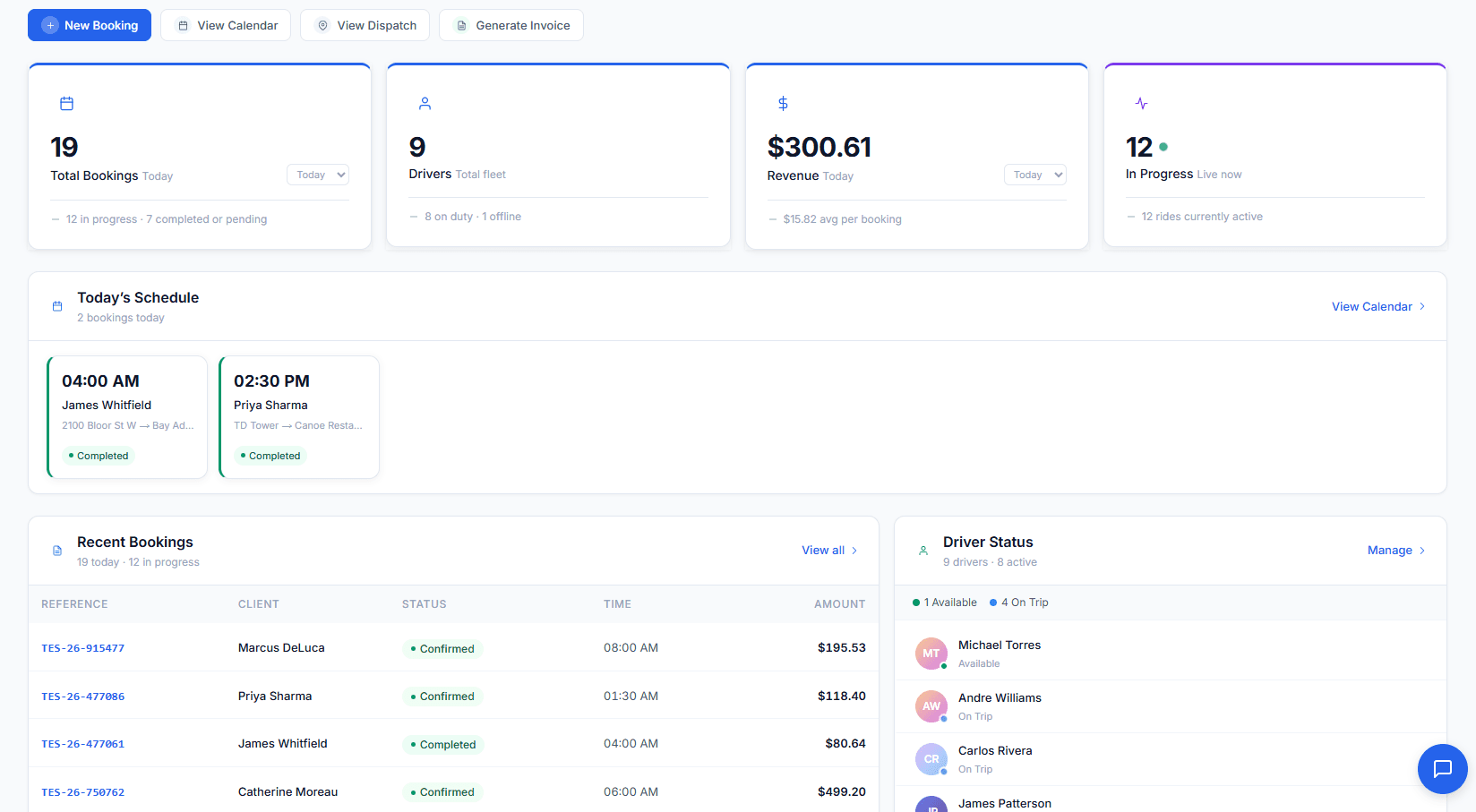
Every car, every status, one map — so “where’s my driver?” takes one glance.
Day, week, and per-driver lanes — spot conflicts before your clients do.
03 · Drive it
En route
From “on my way” to “passenger dropped off”, everyone stays informed without a single phone call.
Reservation offers, today’s schedule, trip details, and one-tap status updates — in every driver’s pocket, on their own phone.
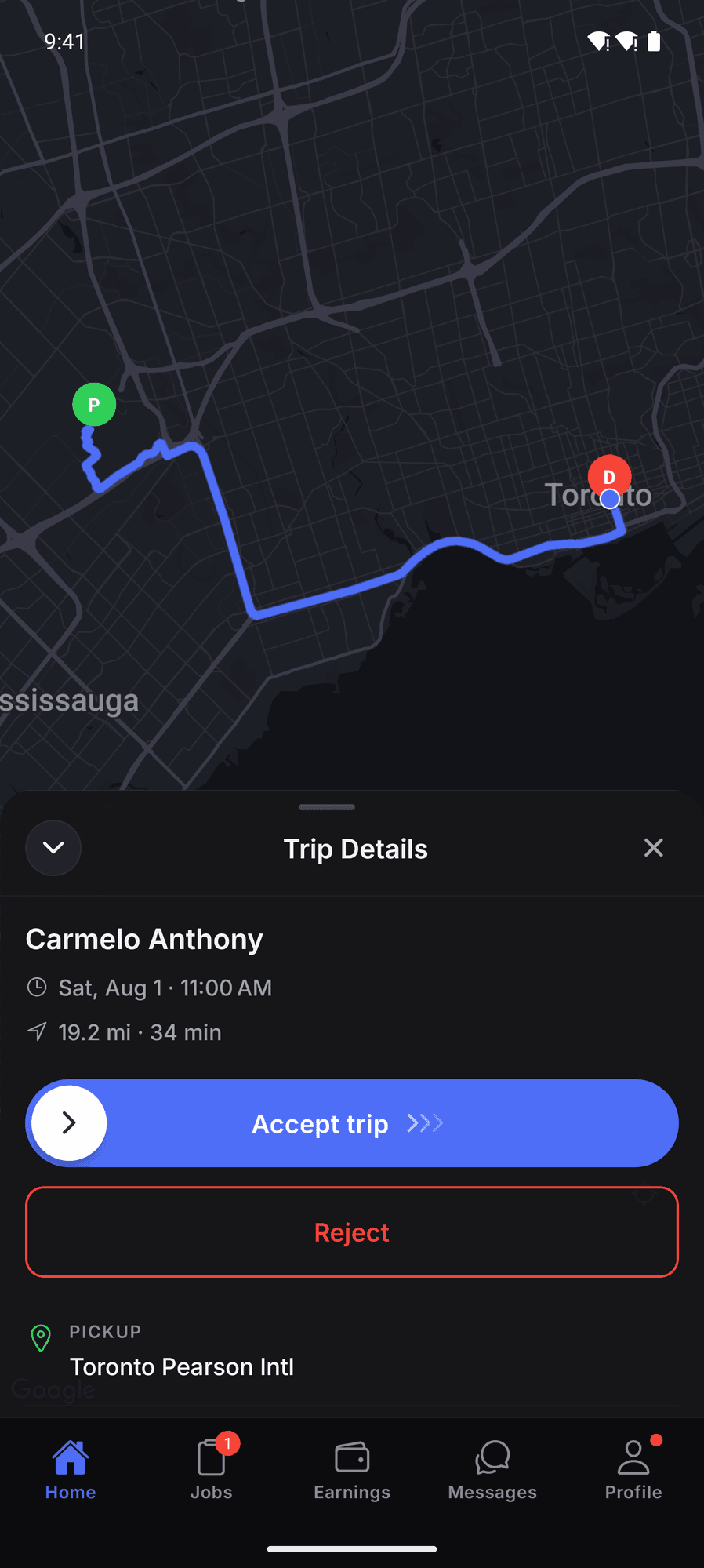
Watch each trip move through its statuses in real time — and share a live link with the client when they ask.
10+ templates cover confirmations, driver-on-the-way texts, and receipts — sent at the right moment, without anyone remembering to.
04 · Get paid
Completed → Invoiced
The trip ends, the invoice drafts, the driver’s pay period updates, and the numbers land in your reports — before you’re back at your desk.
Completed trips become drafted invoices — line items, taxes, gratuity — ready to send in one click.
Pay periods build themselves from completed trips — commissions, hourly, or per-trip rules per driver.
Every client’s trips, preferences, and balance in one place — so the second booking feels like the tenth.
Revenue, vehicle utilization, top clients — the numbers that run the business, not vanity charts.
The other half
The unglamorous features that make the difference at month three — billing rules, compliance, permissions — all included.
Set up your fleet in minutes, with setup help from the founding team.
Get startedMonth-to-month, no contract.